The Screen Time Dilemma Every Parent Faces
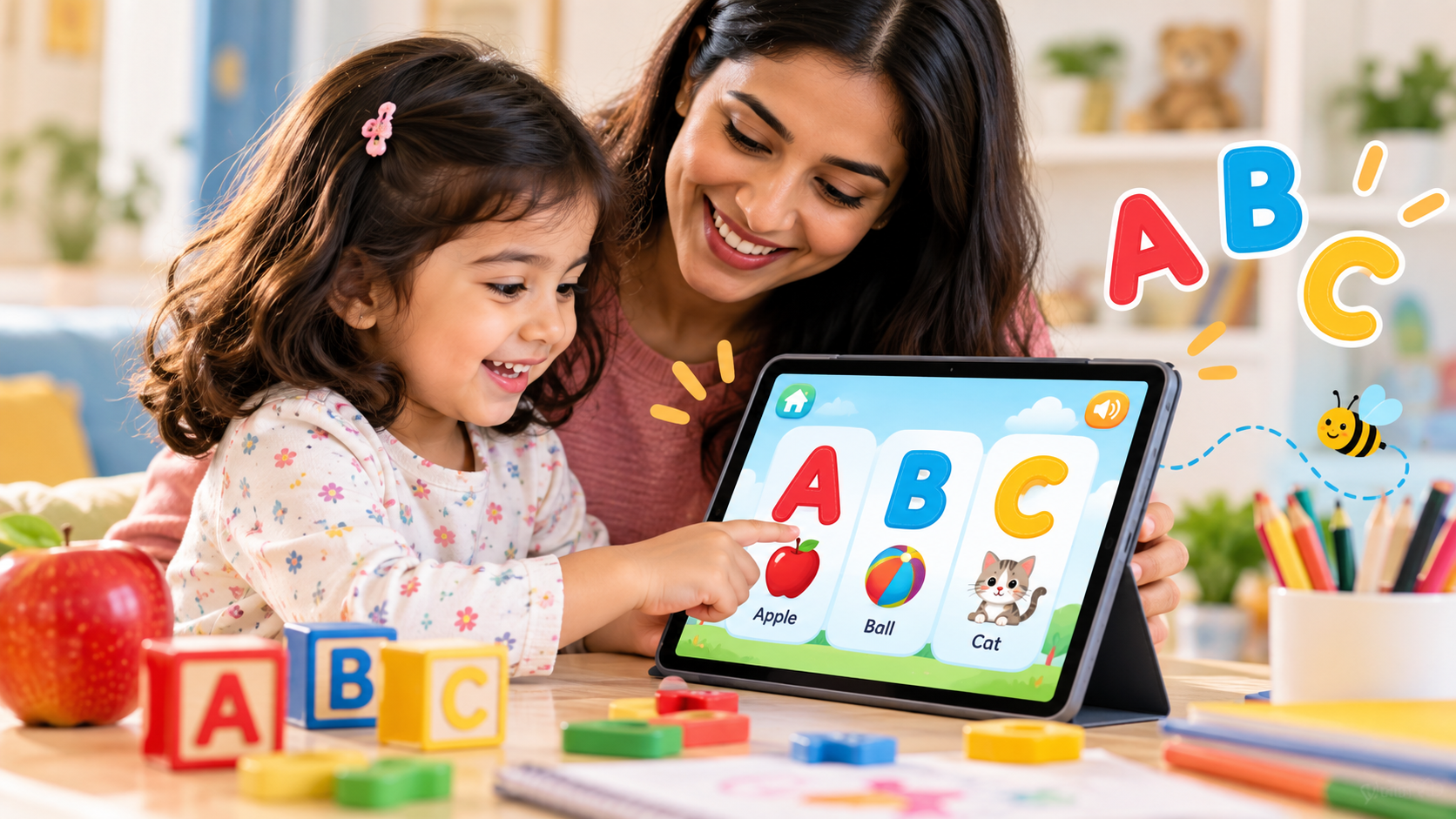
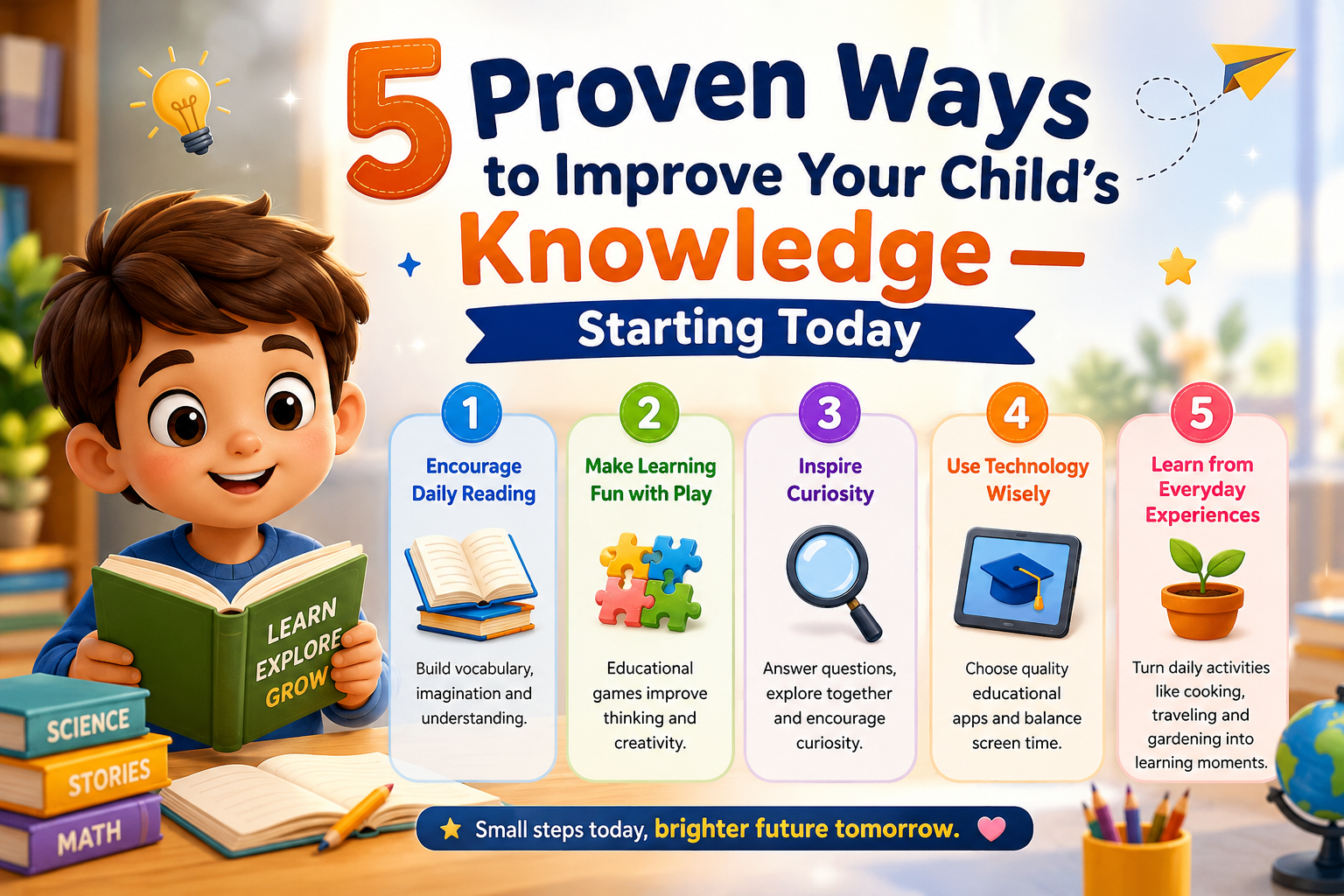
Let's be honest — screens are part of our children's lives. The question isn't whether your child will use a tablet or phone, but how they'll use it. The good news? Research shows that high-quality, interactive educational apps can genuinely support early learning when used in moderation.
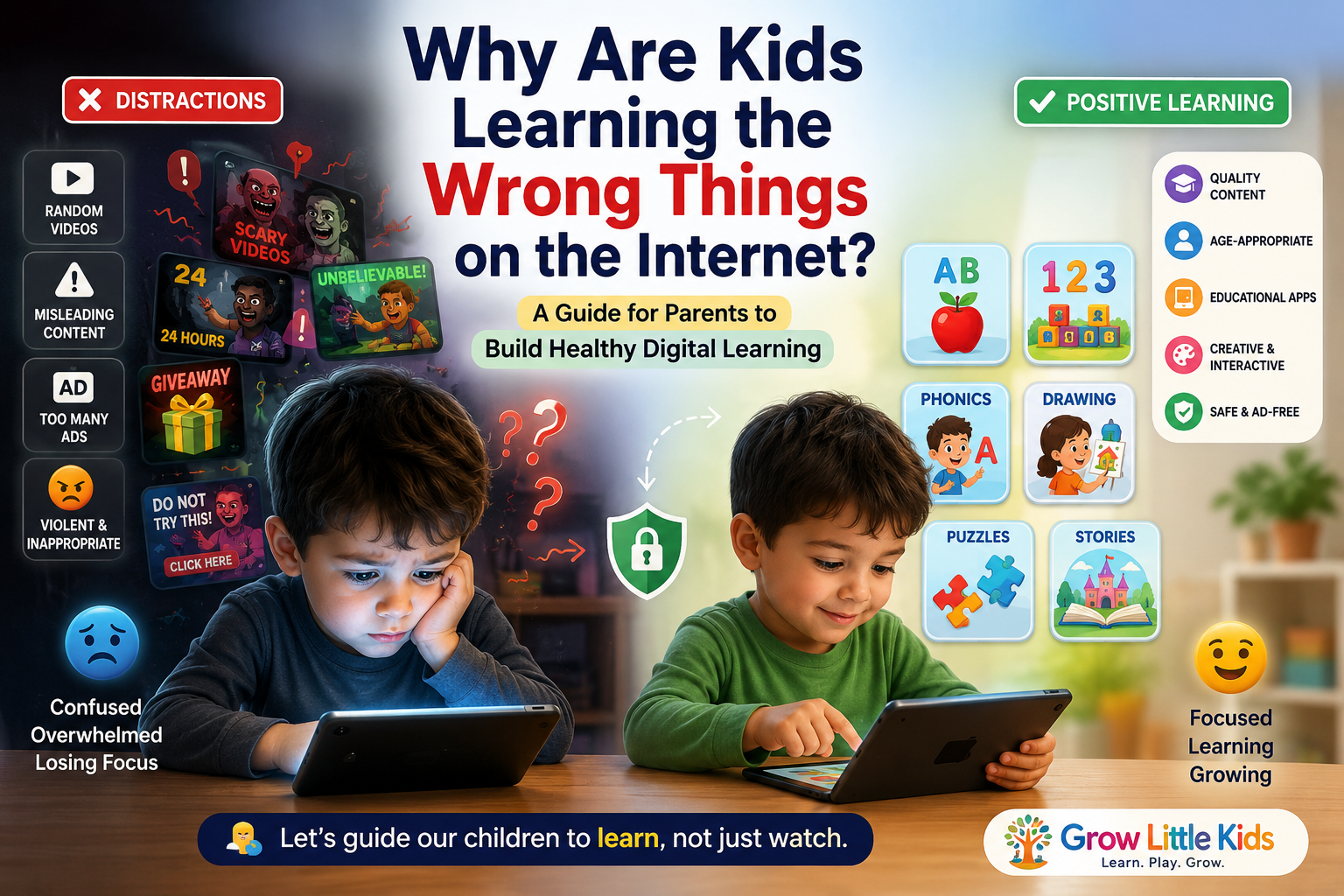
The challenge is knowing which apps actually deliver on their "educational" promise and which ones are just games with a learning label slapped on.
What Makes a Kids' Learning App Actually Educational?
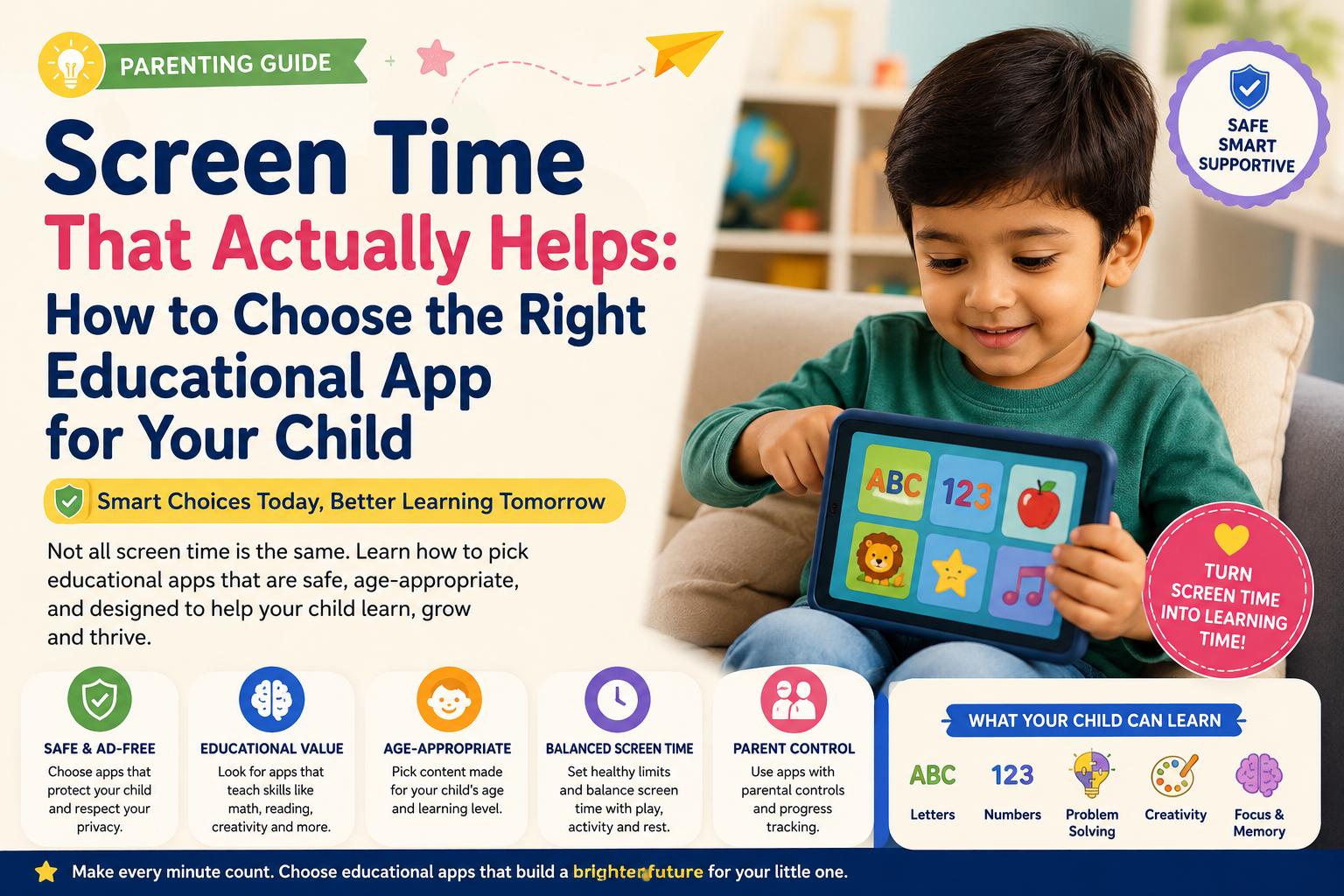
Not every app that claims to be educational deserves that label. Here are the key things to look for:
1. Active Participation, Not Passive Watching 🎯
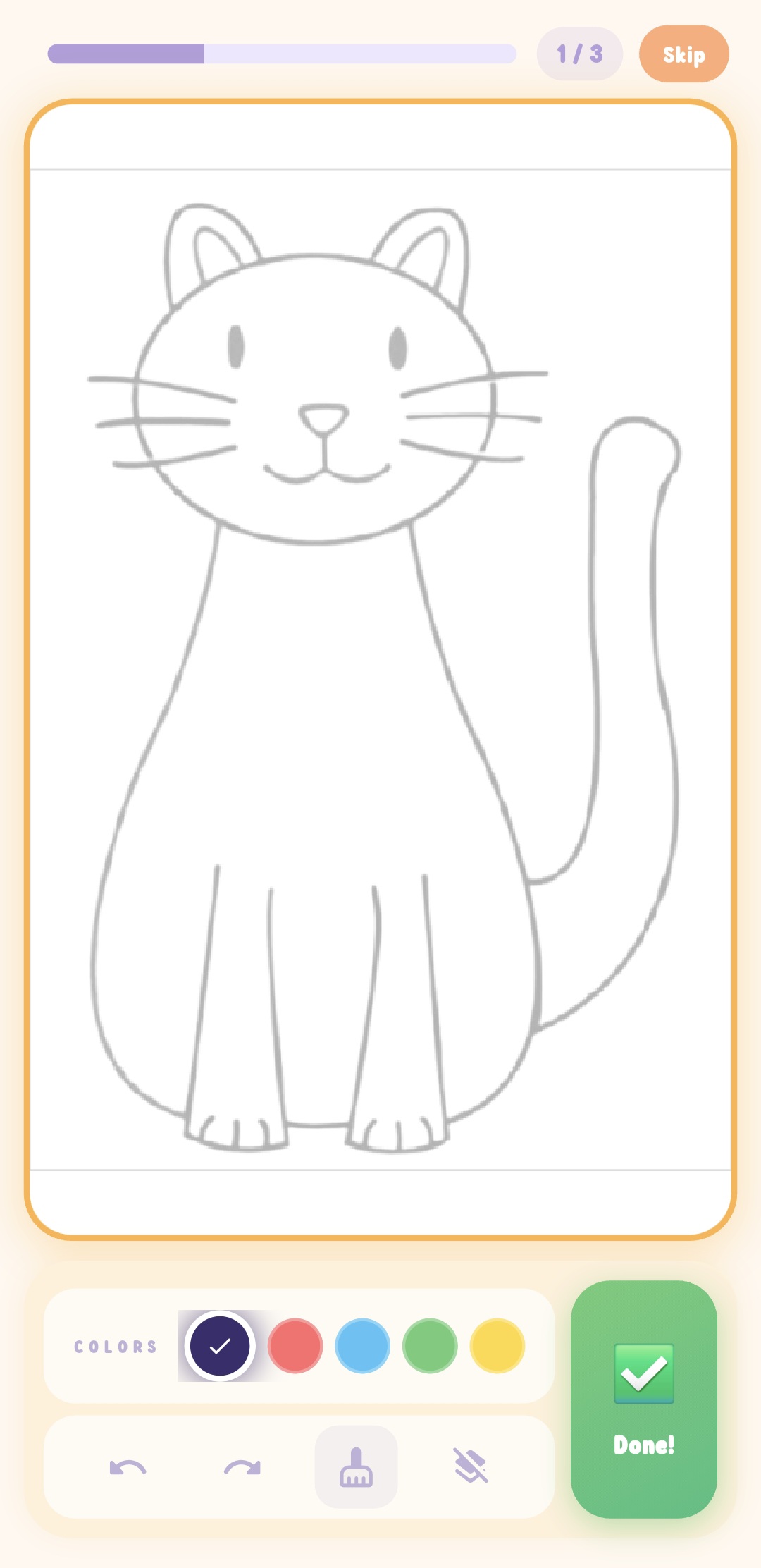
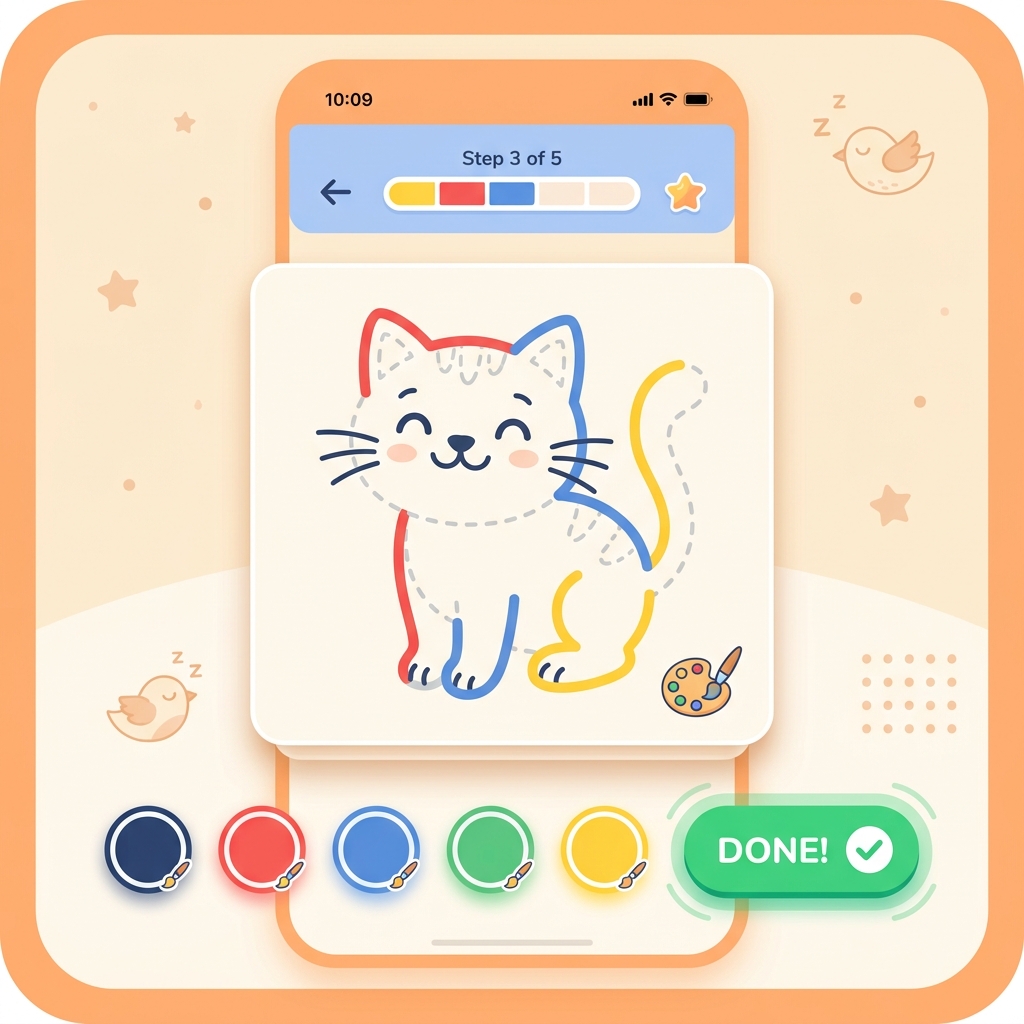
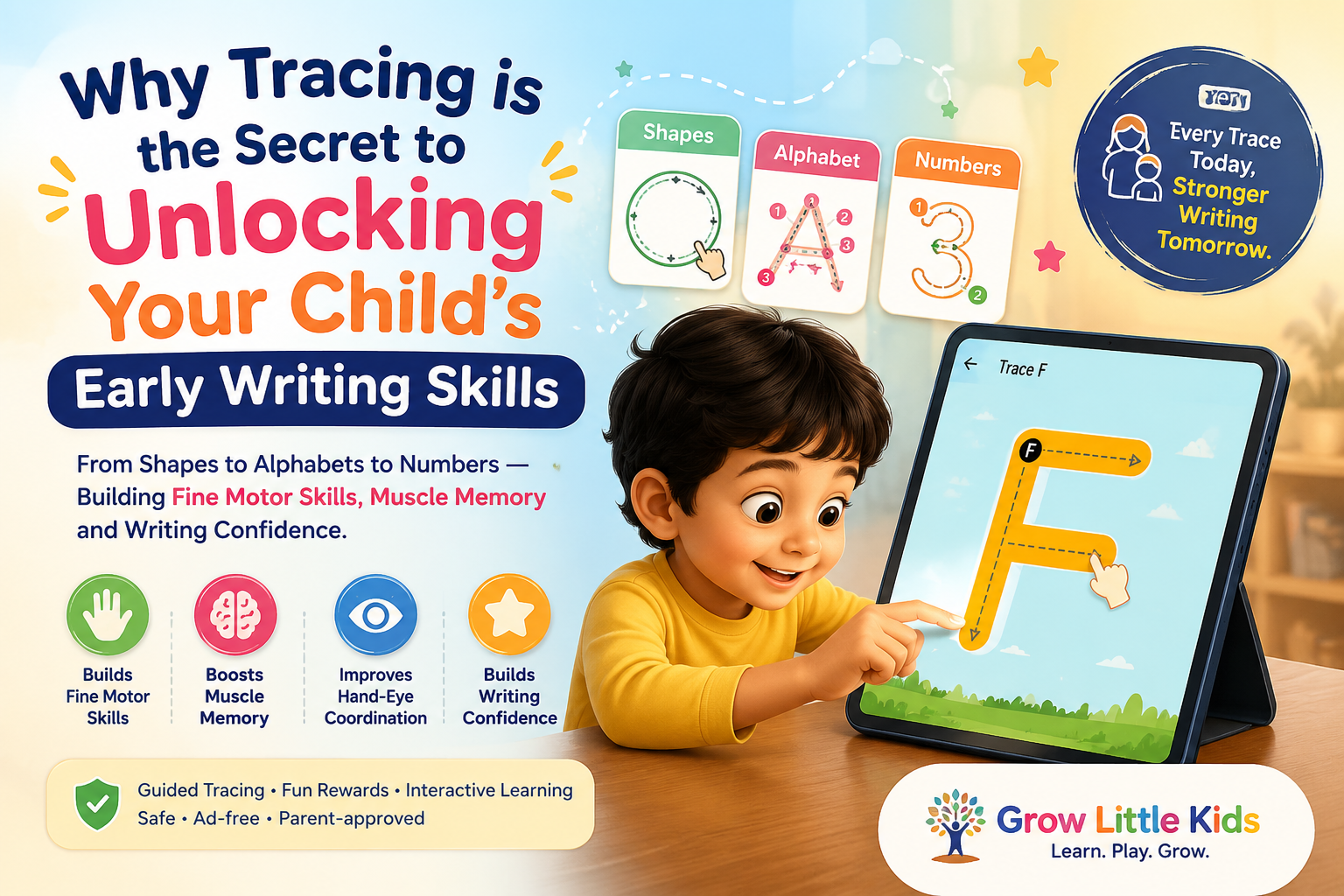
The best educational apps for kids require children to actively engage — tracing letters, solving puzzles, answering questions, or tapping in response to prompts. If your child is just watching animations without interacting, it's entertainment, not education.
2. Curriculum-Aligned Content 📚
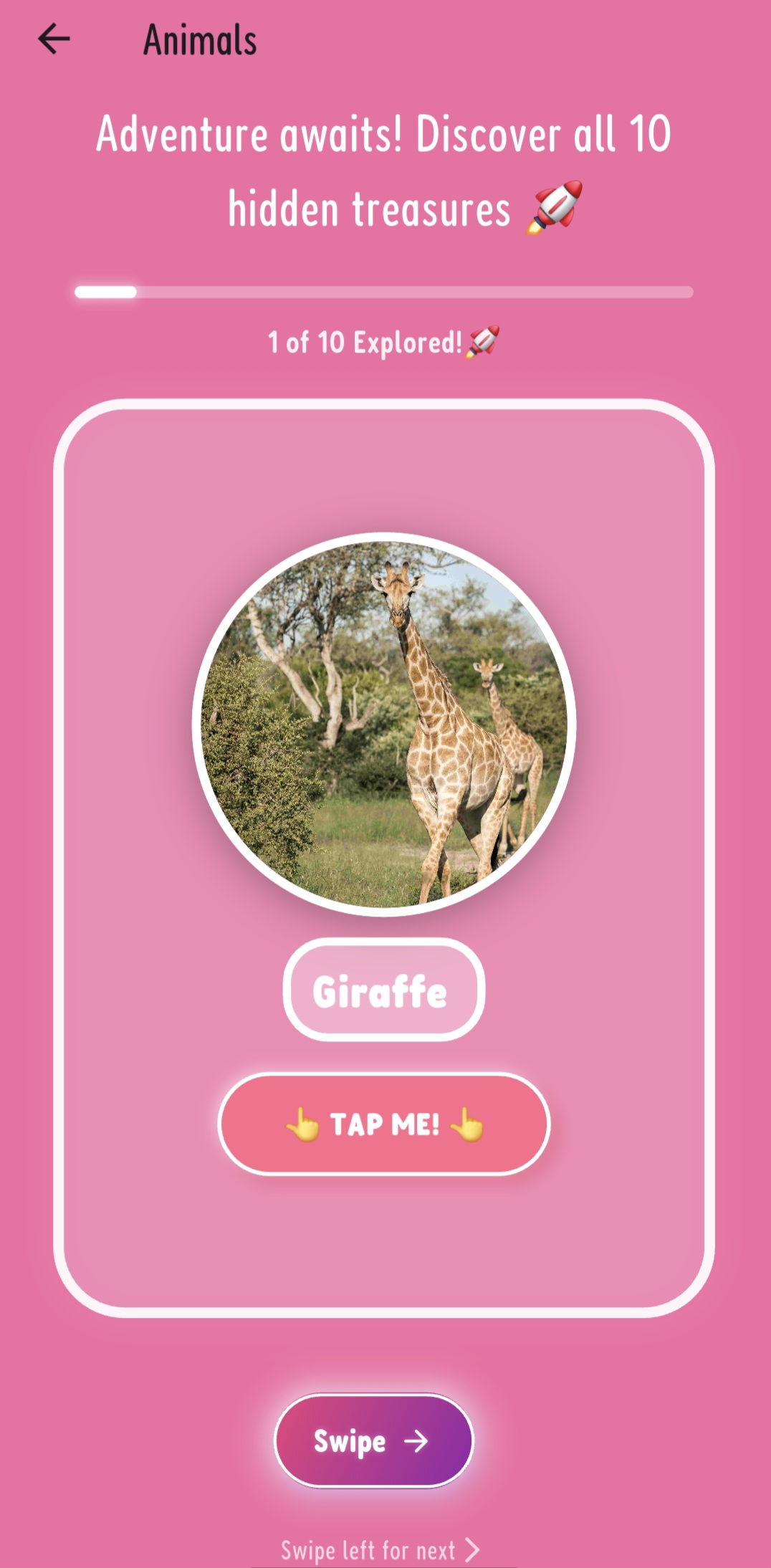
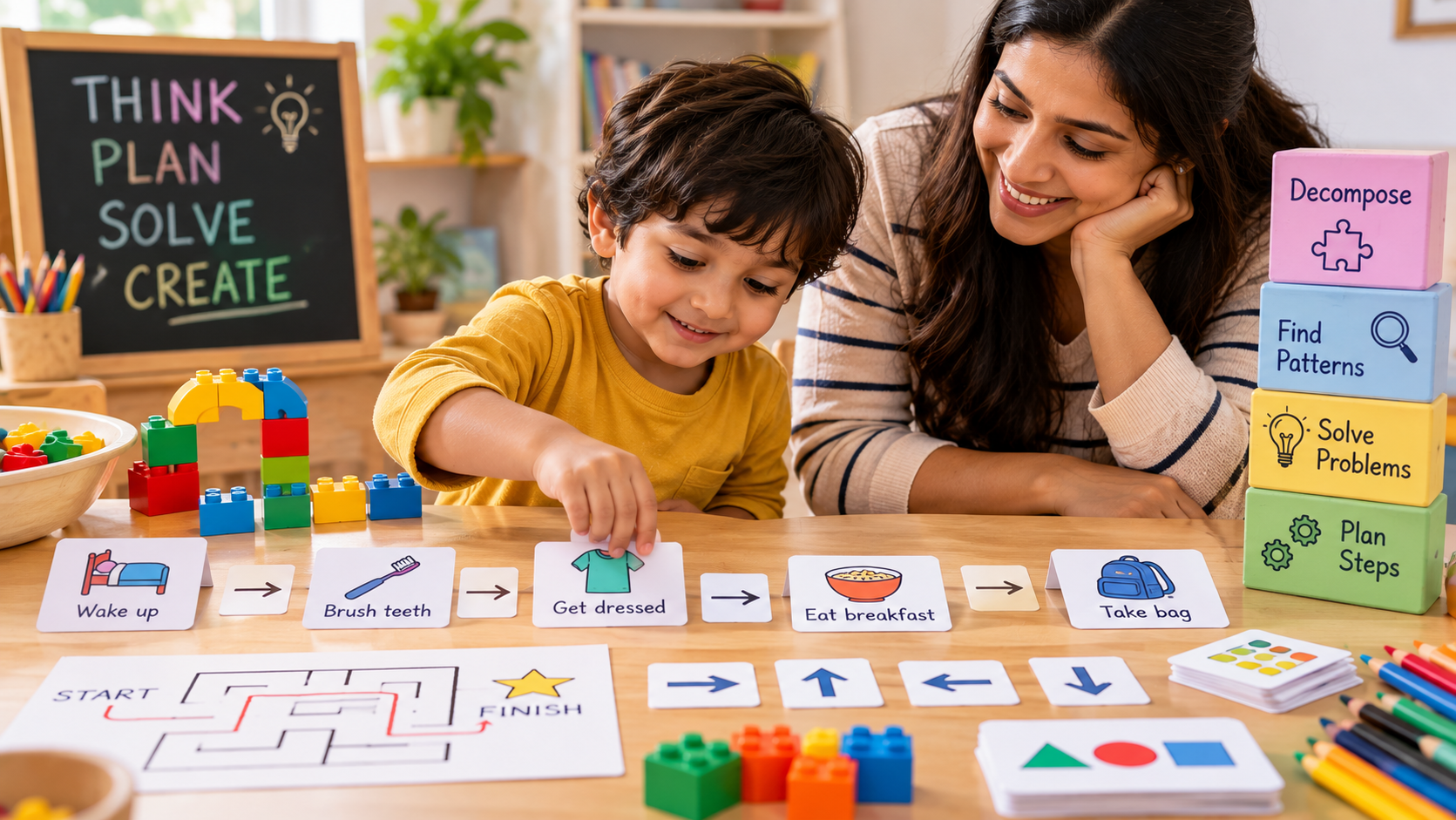
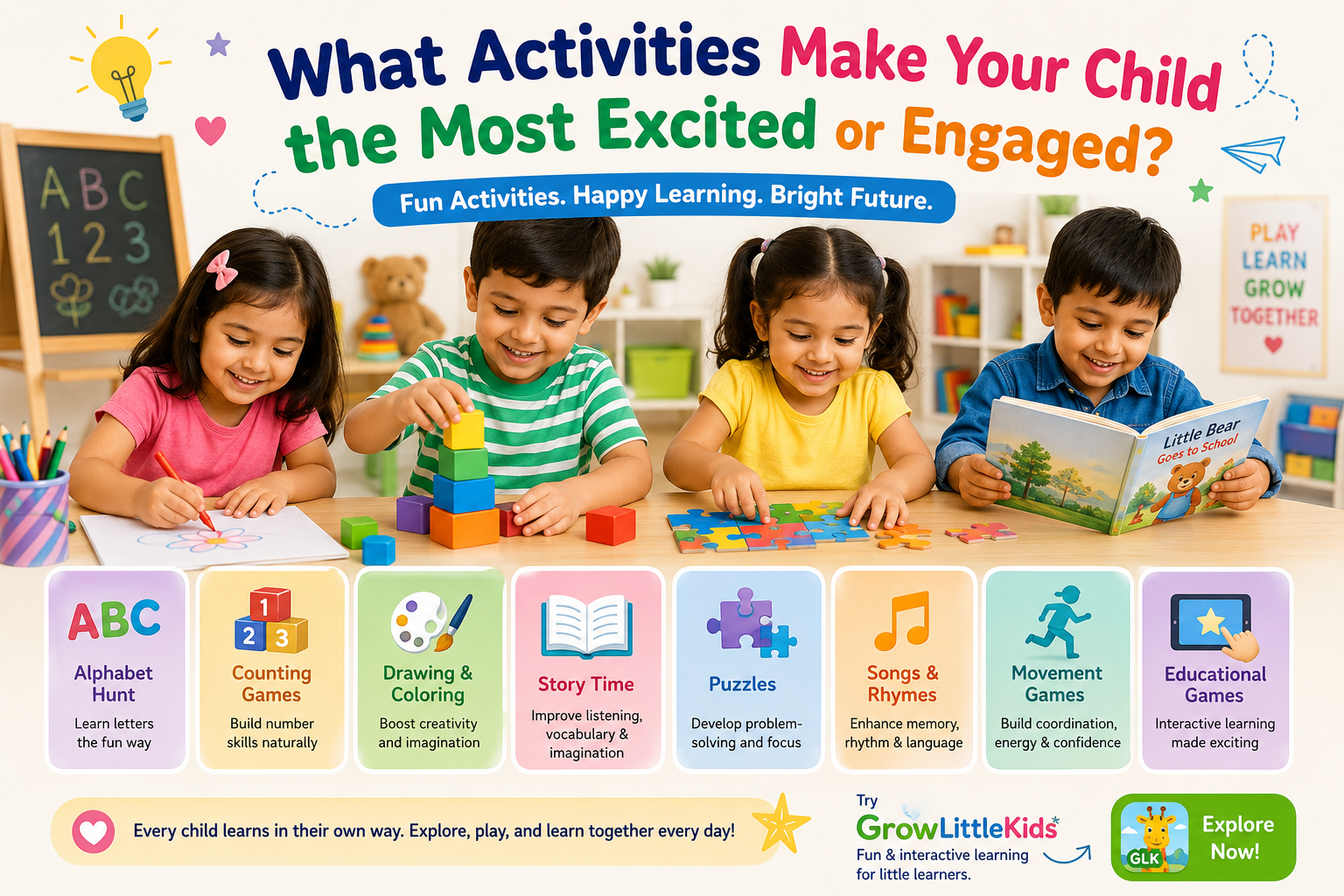
Look for apps that cover skills your child actually needs: phonics, ABC learning, number recognition, counting, shapes, colors, and basic problem-solving. The app should progressively build on skills rather than offering random, disconnected games.
3. Child-Safe and COPPA-Compliant 🔒
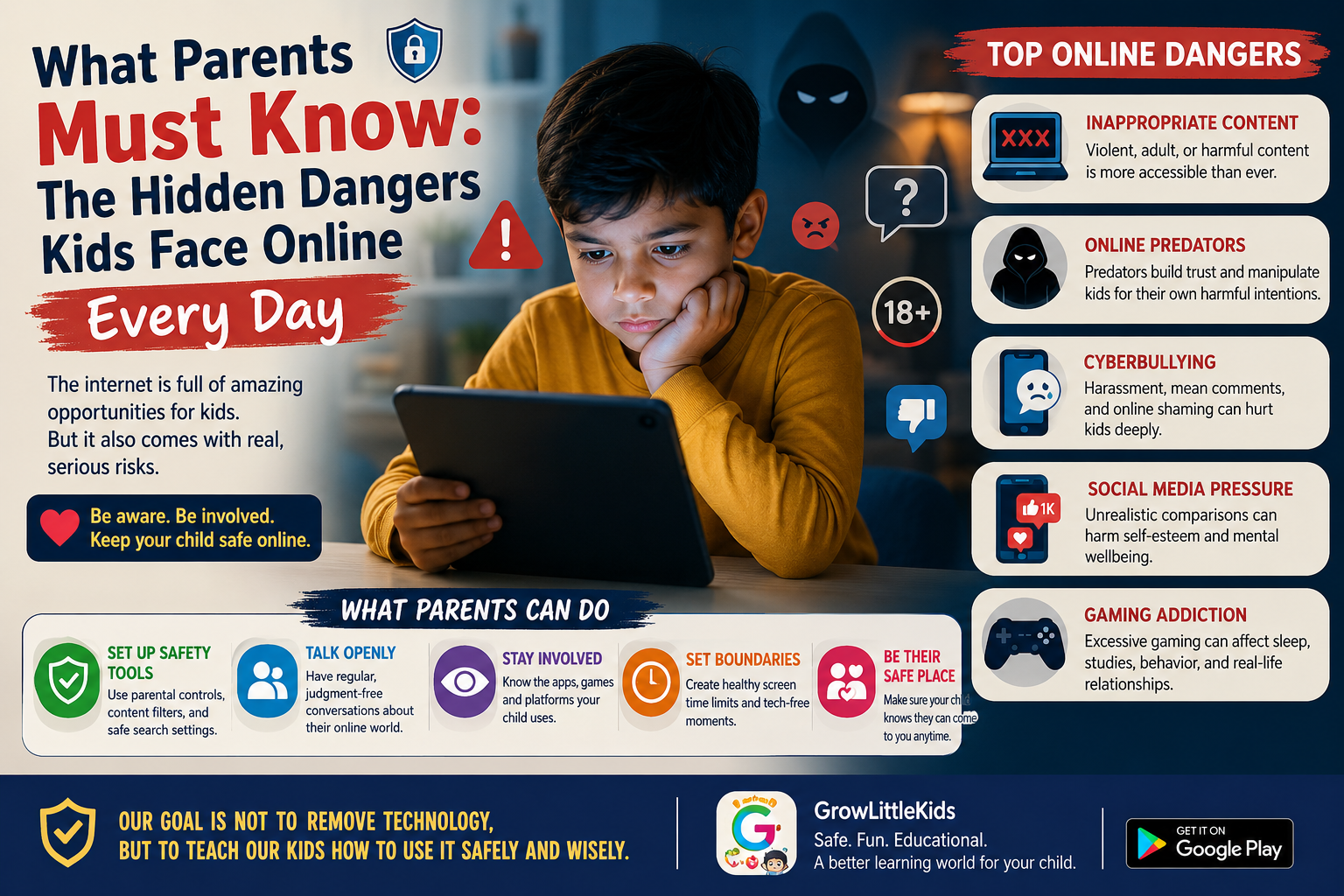
Safety isn't optional. A trustworthy children's app should be COPPA compliant (Children's Online Privacy Protection Act), meaning it doesn't collect personal data from kids under 13. It should also be free of external links, in-app purchases targeted at children, and inappropriate ads.
4. Age-Appropriate Design 🎨
A preschool learning app should have large buttons, simple navigation, bright colors, and clear audio instructions. Kids aged 3–6 shouldn't need a parent to figure out how to use the app — it should be intuitive enough for tiny fingers.
5. Real Learning Outcomes 📊
After using the app for a week, can your child recognize more letters? Count higher? Identify more shapes? If the answer is yes, the app is working. If it's just keeping them quiet without measurable progress, it's a babysitter, not a teacher.
How Much Screen Time Is Okay?
The American Academy of Pediatrics (AAP) recommends:
- Under 18 months: Avoid screen use other than video chatting
- 18–24 months: Introduce high-quality content; watch together
- 2–5 years: Limit to 1 hour per day of high-quality programming
The key word is "high-quality." A 15-minute session with an interactive kids learning app like GrowLittleKids is far more valuable than 2 hours of random YouTube videos.
Red Flags to Watch For in Kids' Apps
- 🚩 Constant push to buy in-app purchases
- 🚩 Ads that redirect to external websites
- 🚩 Requires login or personal information from the child
- 🚩 Content that is too advanced or too easy for the age group
- 🚩 No clear educational objective — just random mini-games
Why Parents Trust GrowLittleKids
GrowLittleKids was designed by parents who understood these exact concerns. Here's what makes it different:
- ✅ 100% free — no hidden paywalls or in-app purchases
- ✅ COPPA compliant — no personal data collection from children
- ✅ 17 learning modules — ABC, phonics, math, tracing, drawing, rhymes, GK, shapes & more
- ✅ Designed for ages 3–6 — intuitive interface with large buttons and audio guidance
- ✅ Works offline — many features available without internet
The Bottom Line
Screen time isn't the enemy — mindless screen time is. When you choose the right educational app and set healthy boundaries, your child's tablet can become a powerful learning tool. The goal is balance: mix digital learning with physical play, reading, and real-world exploration. 🌱