What Does "Safe Learning" Really Mean for Young Children? 🛡️
When we think of keeping our children safe, our immediate instincts are physical: holding their hands while crossing busy streets, locking away household cleaning supplies, or padding sharp furniture corners. But in today's interconnected digital and physical world, safety in learning has taken on a profound new dimension.
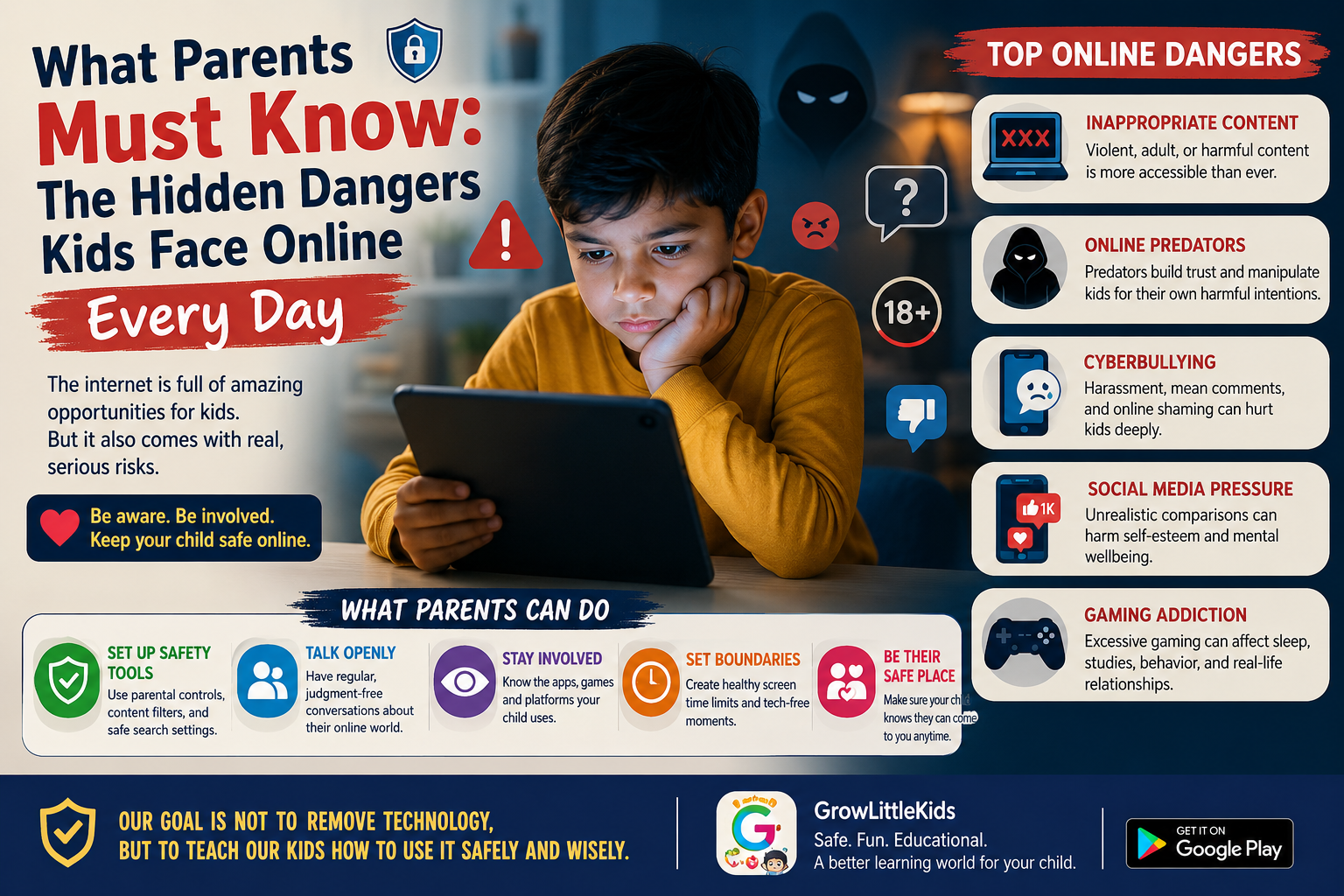
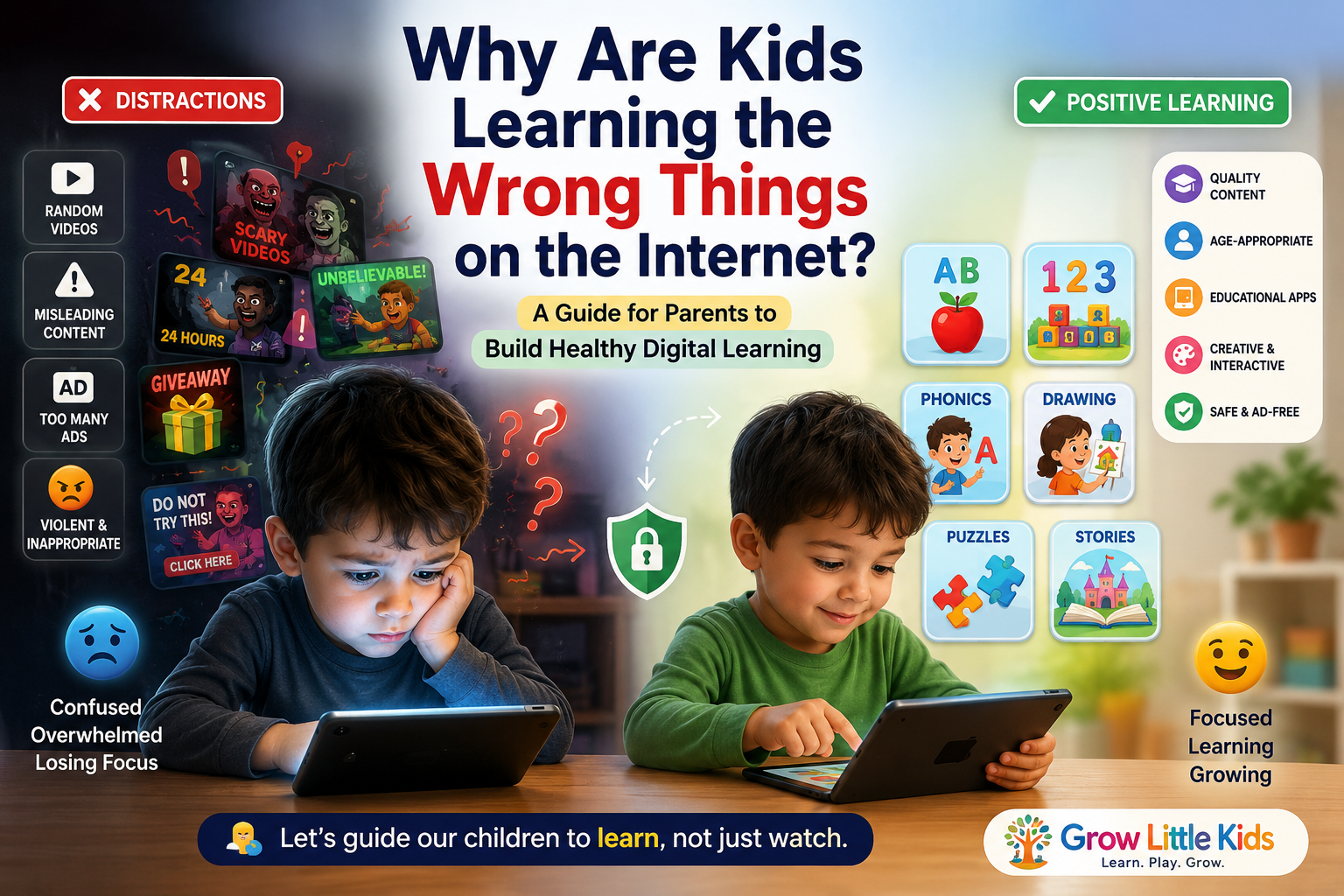
Every single day, toddlers and preschoolers interact with smart devices, animated videos, interactive toys, and classroom materials. While technology offers unprecedented opportunities for early exploration, it also exposes young minds to subtle risks: manipulative advertising algorithms, intrusive data tracking, hyper-stimulating animations, and predatory in-app purchase traps.
True kids safe learning is not about locking children in a bubble or banning screens completely. Rather, it is about consciously designing an environment — both online and offline — where children feel secure, curious, respected, and developmentally nurtured. When children learn in a truly safe space, their cognitive curiosity flourishes naturally without fear, anxiety, or digital overwhelm.
The 4 Fundamental Pillars of Kid-Safe Learning 🏛️
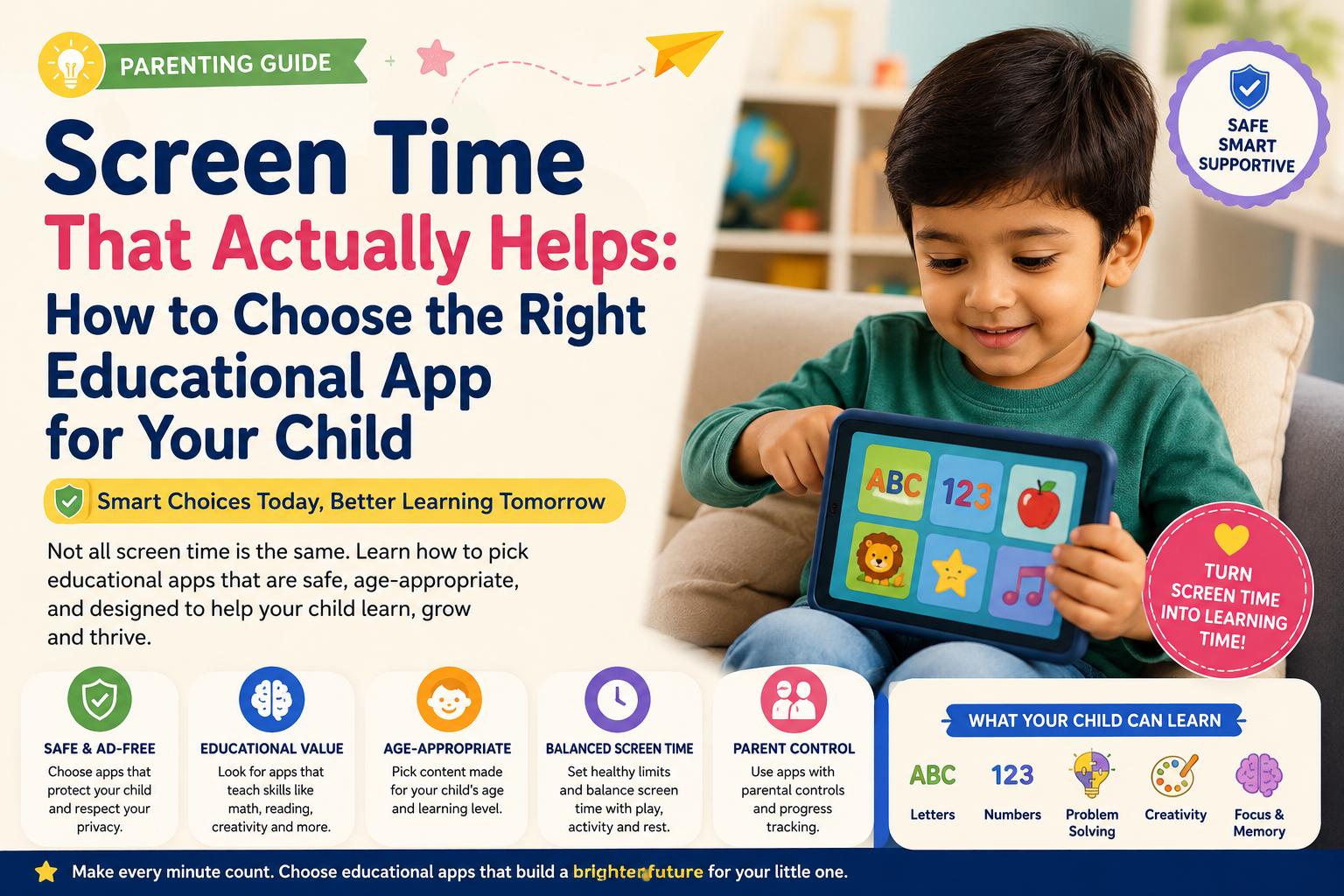
To evaluate whether a learning tool, app, or physical activity is genuinely safe for your toddler or preschooler, examine it through these four essential pillars:
1. Data Privacy & COPPA Compliance 🔒
Young children cannot understand what "data privacy" or "terms of service" mean. That is why legal frameworks like the Children's Online Privacy Protection Act (COPPA) exist. A genuinely safe learning platform must never collect personally identifiable information (PII) from children under 13 — such as names, geolocation, microphone recordings, or biometric camera feeds without verifiable parental consent.
Safe apps operate in closed sandboxes: your child's drawing doodles, phonics attempts, and quiz progress stay securely on your device, private and protected.
2. Ad-Free & Distraction-Free Environments 🚫
Have you ever noticed how quickly a bright, innocent video can be interrupted by an unskippable commercial for violent video games, sugary cereals, or expensive plastic toys? Young children under age 6 cannot yet distinguish between educational content and persuasive commercial intent.
Exposure to continuous pop-ups and commercial banners disrupts a child's delicate focus, induces algorithmic wandering into inappropriate content, and fosters consumerist agitation rather than learning satisfaction.
3. Active Participation vs. Passive Consumption 🎯
A child passively staring at 45 minutes of auto-looping sensory animations is not actively learning — they are being hypnotized by high-frequency visual stimulation. Healthy educational tools demand active cognitive participation:
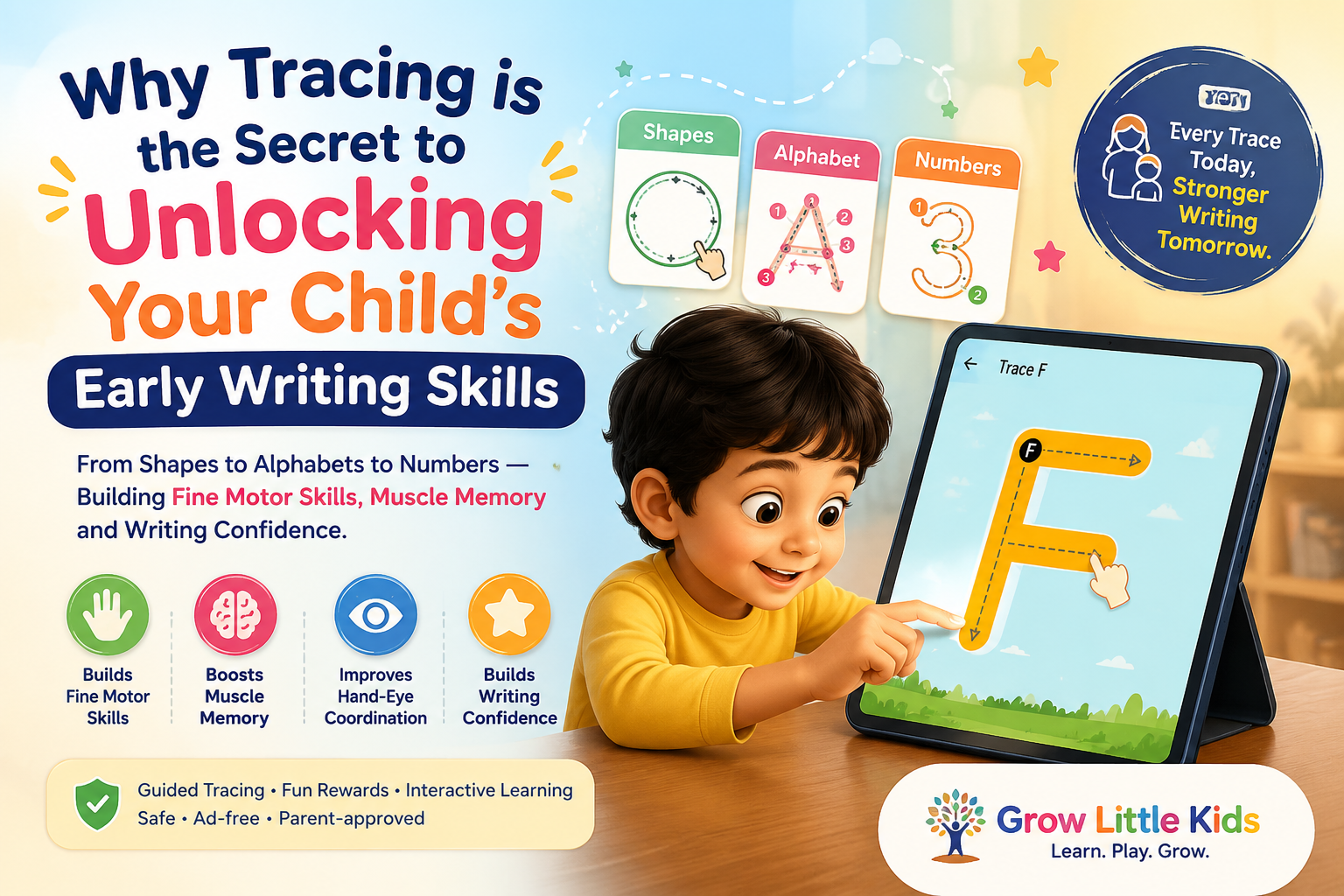
- Tracing letters and numbers with guided finger strokes
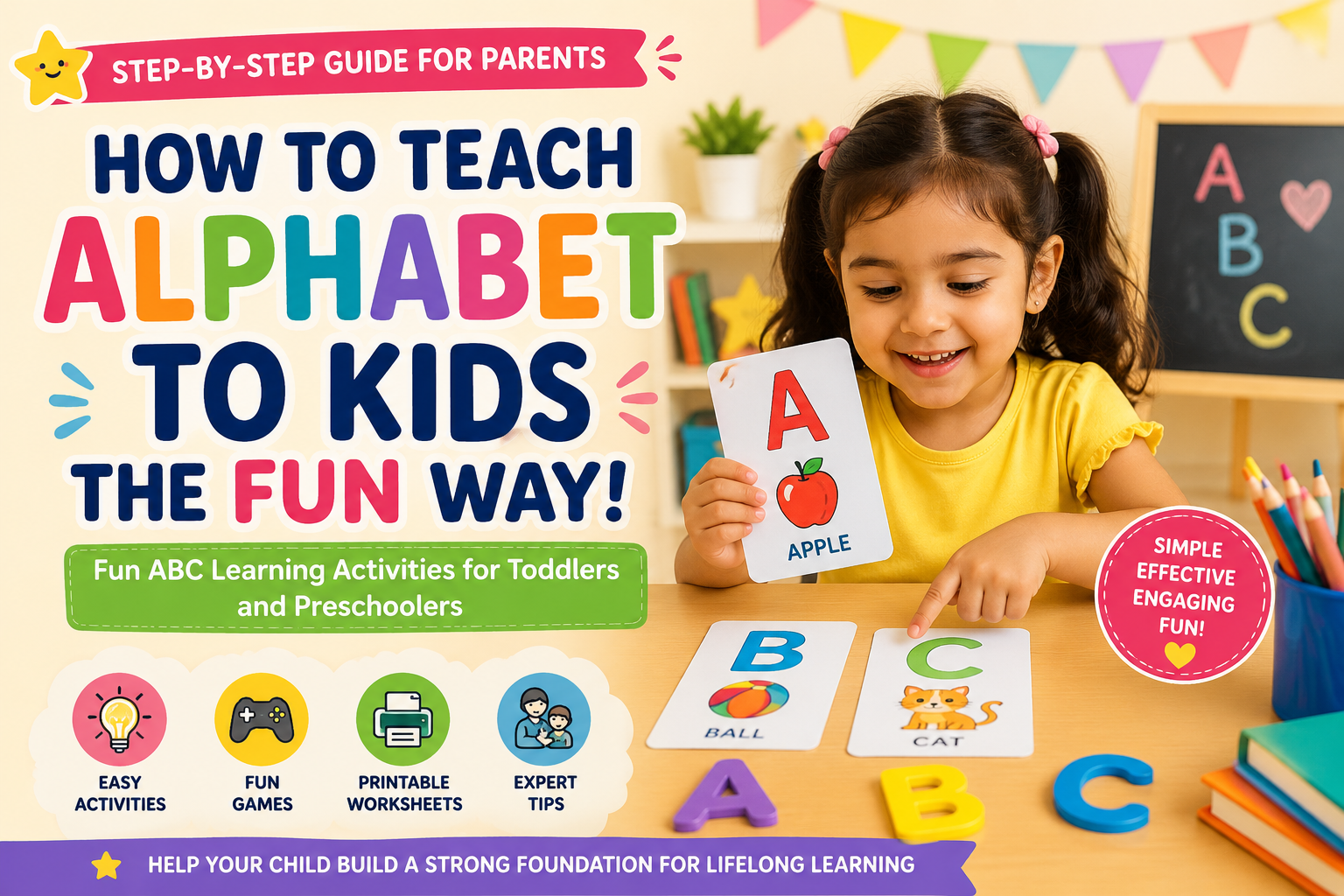
- Repeating phonics sounds out loud
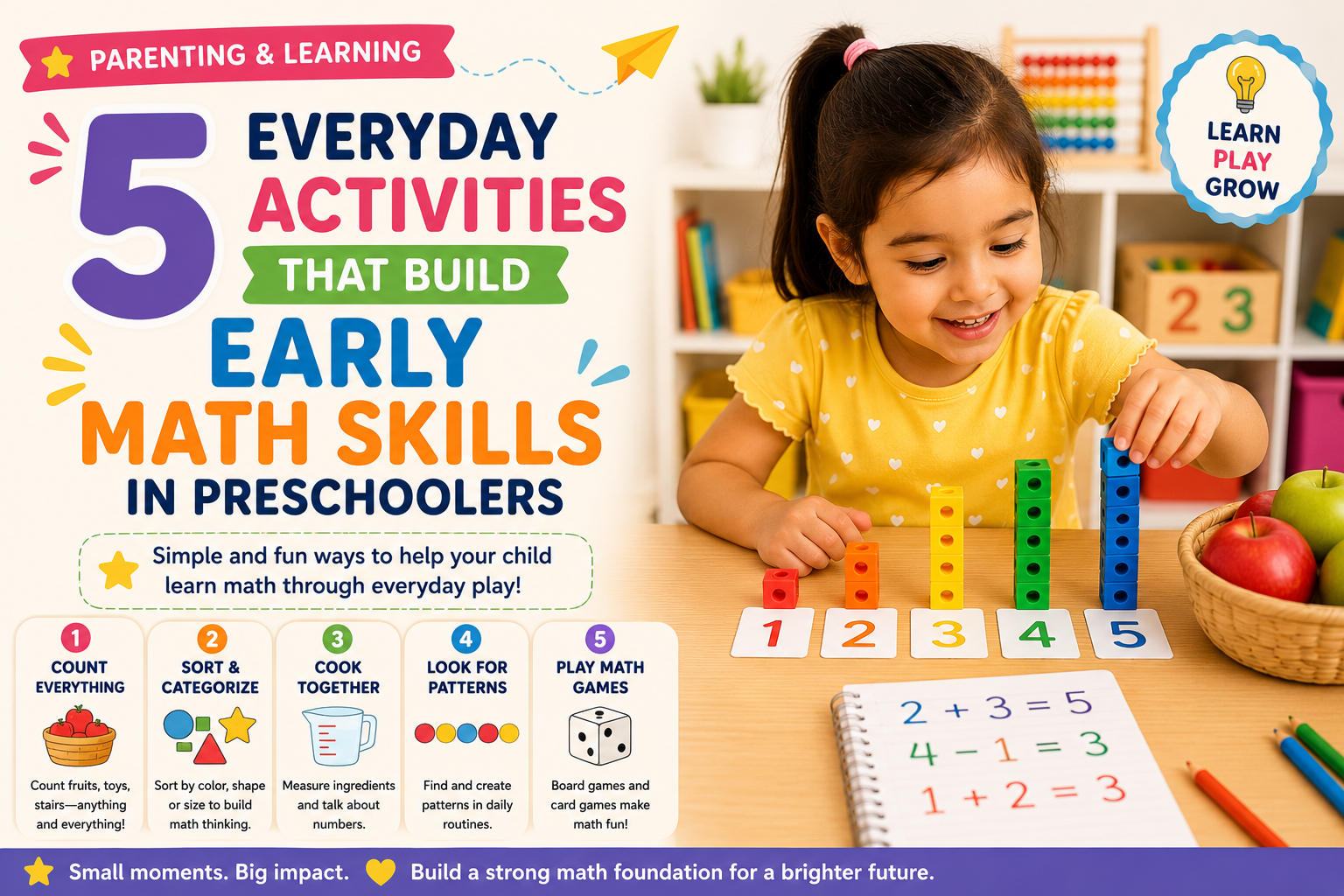
- Sorting objects by shape, size, and color
- Solving puzzles through trial, error, and thoughtful reasoning
For more insights on replacing mindless consumption with active engagement, explore our guide on the power of purposeful play over screen time.
4. Emotional & Psychological Safety 💖
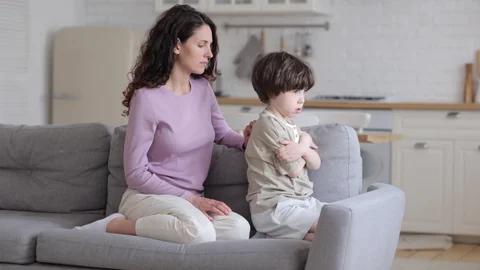
Safe learning is emotionally encouraging. High-stress mechanics — such as ticking countdown timers, harsh buzzer sounds for incorrect answers, or public leaderboards — trigger anxiety and fear of failure in toddlers. A child-safe curriculum celebrates effort, offers gentle corrective hints, and allows children to repeat activities at their own natural pace without penalty.
Red Flags vs. Green Flags: How to Audit Kids' Learning Tools 🚩✅
Before introducing any new digital app, educational toy, or online program to your child, run through this quick evaluation checklist:
| Learning Feature | Dangerous / Unsafe Red Flag 🚩 | Safe & Supportive Green Flag ✅ |
|---|---|---|
| Advertisements | Random third-party pop-ups, external website redirect banners | 100% ad-free or strictly curated kid-safe static banners |
| In-App Monetization | Hidden paywalls, accidental 1-click purchases targeted at kids | Zero paywalls or strict adult-gated parental verification locks |
| Data Privacy | Requires child's real name, email, photo upload, or location access | Zero personal data collection; strict COPPA compliance |
| Navigation & UI | External web links, social media icons, chat rooms with strangers | Closed sandbox UI, large tactile buttons, clear voice guidance |
| Pacing & Feedback | Loud alarm buzzers, rapid flashing lights, countdown pressure | Gentle supportive audio, celebration confetti, self-paced mastery |
| Offline Usability | Requires continuous internet; streams unverified web feeds | Works 100% offline in Airplane Mode for safe traveling |
Creating a Safe Physical & Digital Learning Zone at Home 🏡
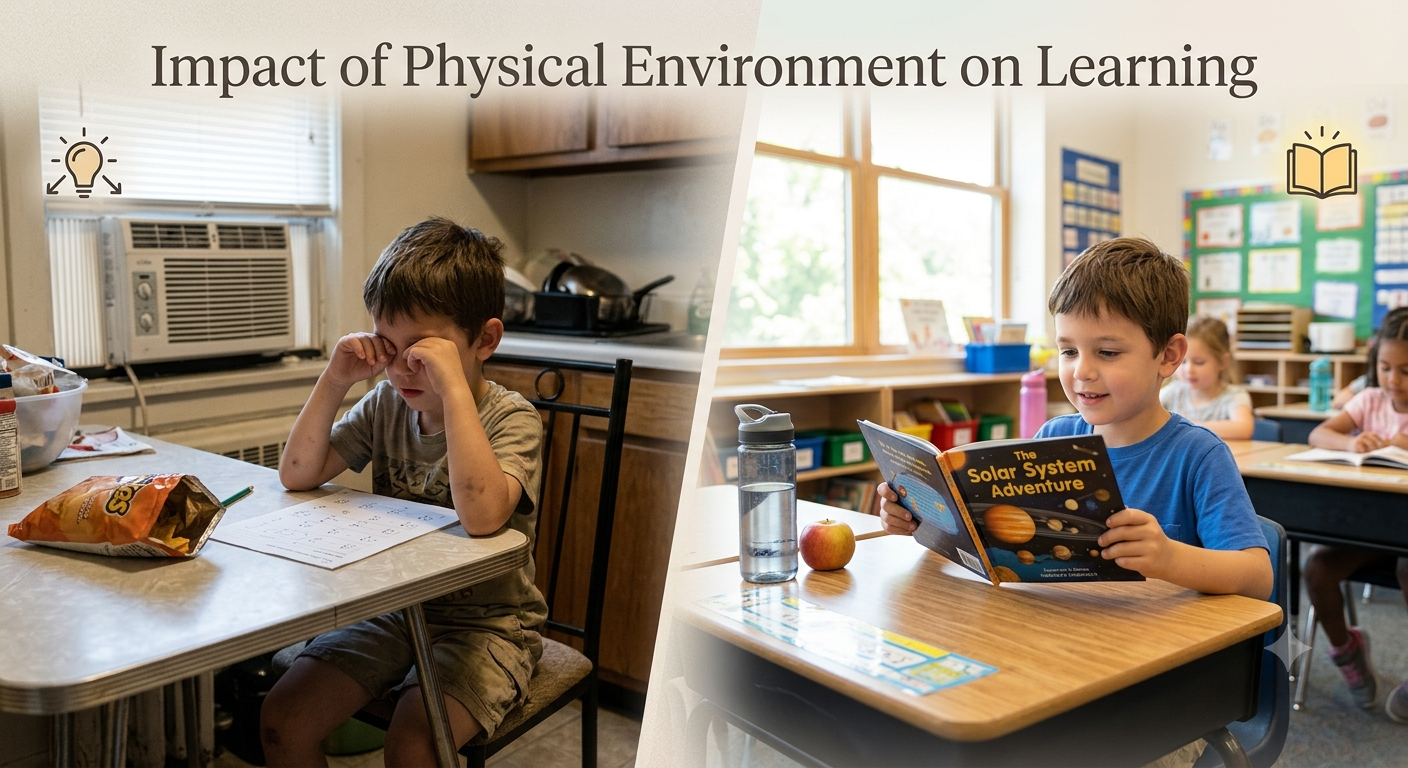
Safe learning thrives when your physical home setup and digital habits work in harmony. Here is how you can establish a healthy routine:
1. Designate a "Co-Learning" Common Space
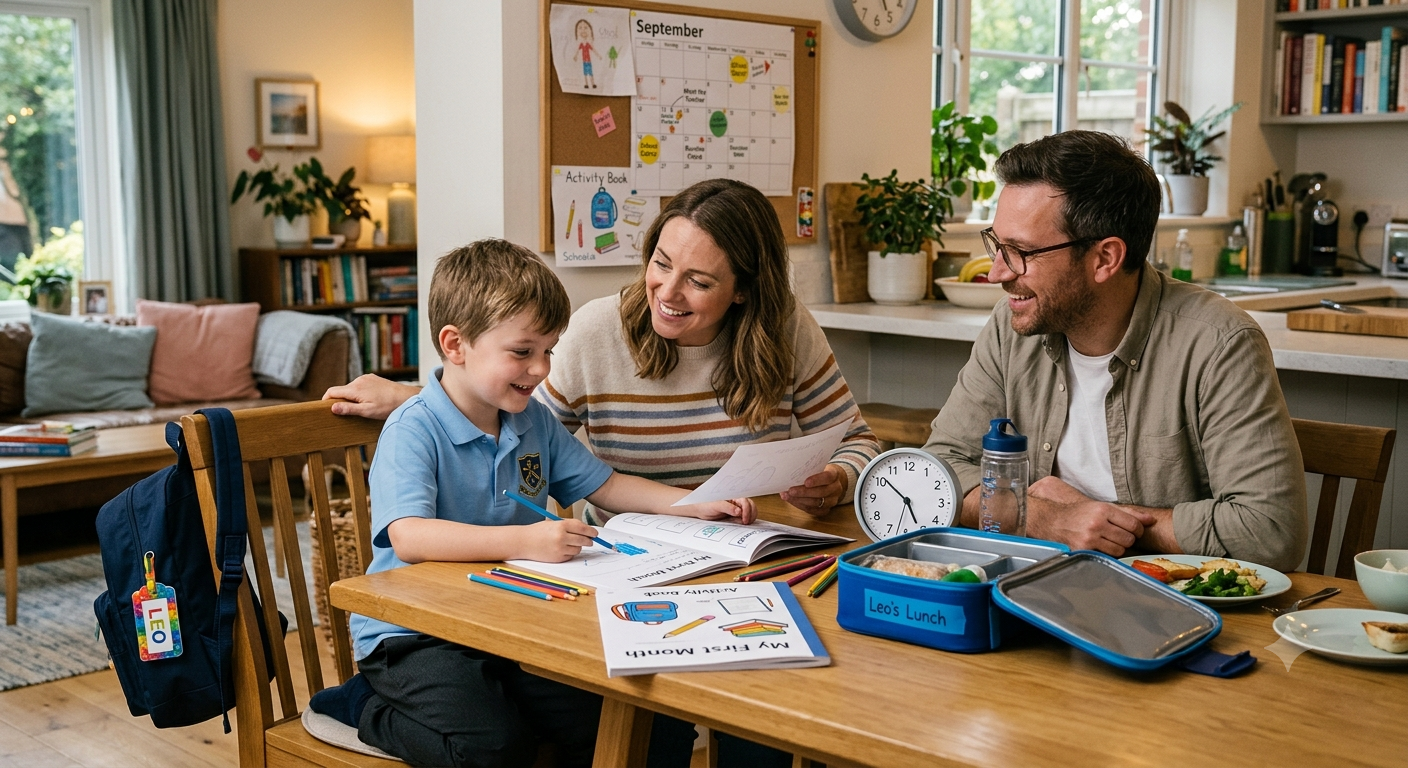
Keep tablets, laptops, and learning devices in shared family areas — such as the living room or kitchen dining counter — rather than isolated behind closed bedroom doors. When you are nearby, you can easily observe what your child is exploring, celebrate their learning milestones, and step in if they feel stuck.
2. The "20-20-2" Screen Ergonomics Rule
Young eyes and developing spines need physical protection during digital learning sessions:
- 20 Minutes Max: Keep focused digital learning sessions to 15–20 minutes per sitting.
- 20 Feet Away: Every 20 minutes, encourage your child to look out the window at a distant green tree for 20 seconds to relax their eye muscles.
- 2 Hours of Outdoor Play: Balance daily screen time with outdoor sensory exploration, park visits, and physical games.
3. Pair Digital Lessons with Hands-On Tactile Play
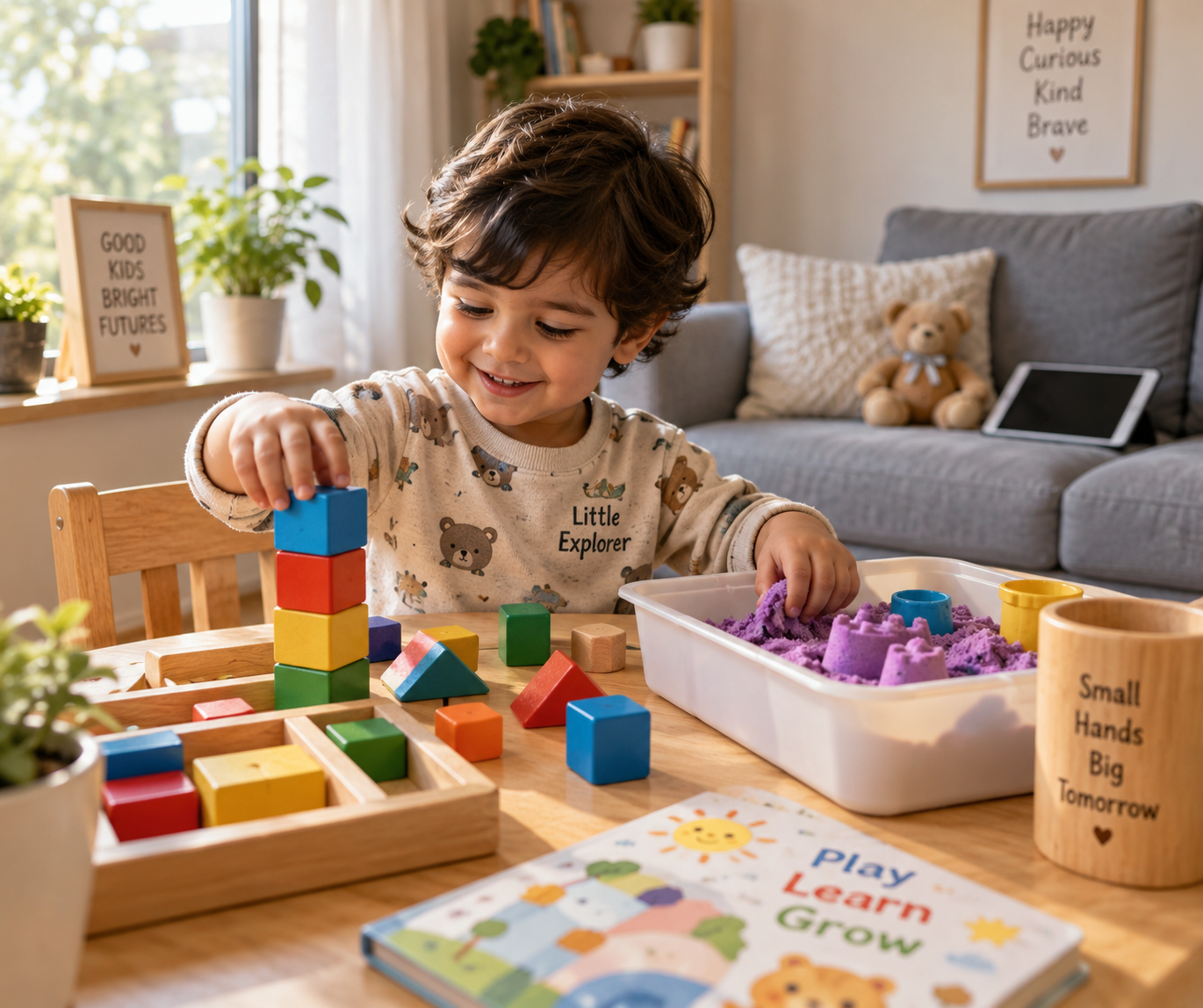
Digital learning is most effective when it directly connects to real-world tactile objects. If your child practices tracing the letter "S" on an educational app, follow it up immediately by shaping an "S" out of modeling clay or finding a spoon in the kitchen drawer. This multi-sensory connection cements neural pathways while preventing screen dependency.
5 Fun & 100% Safe Learning Activities for This Weekend 🎨
1. The Sensory Sand Tray Letter Hunt ✏️
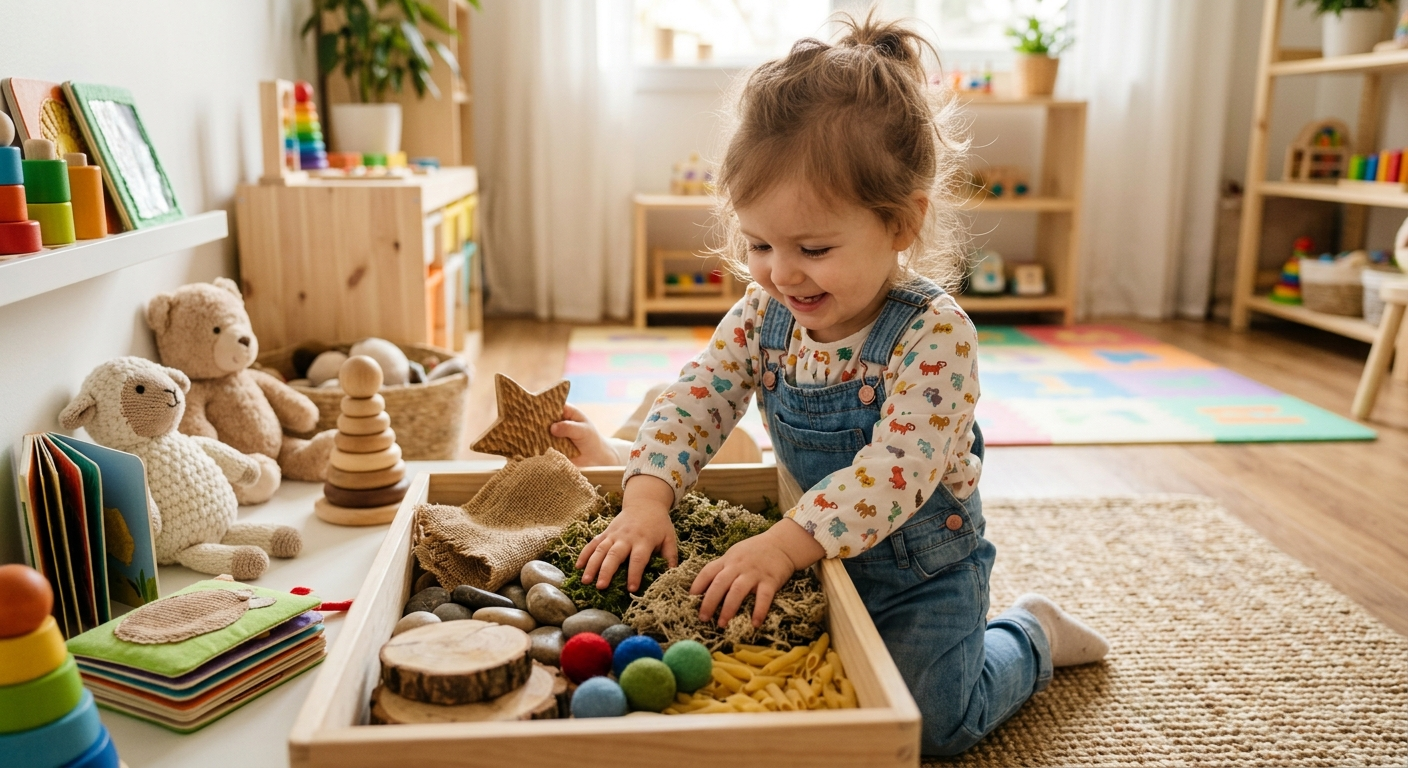
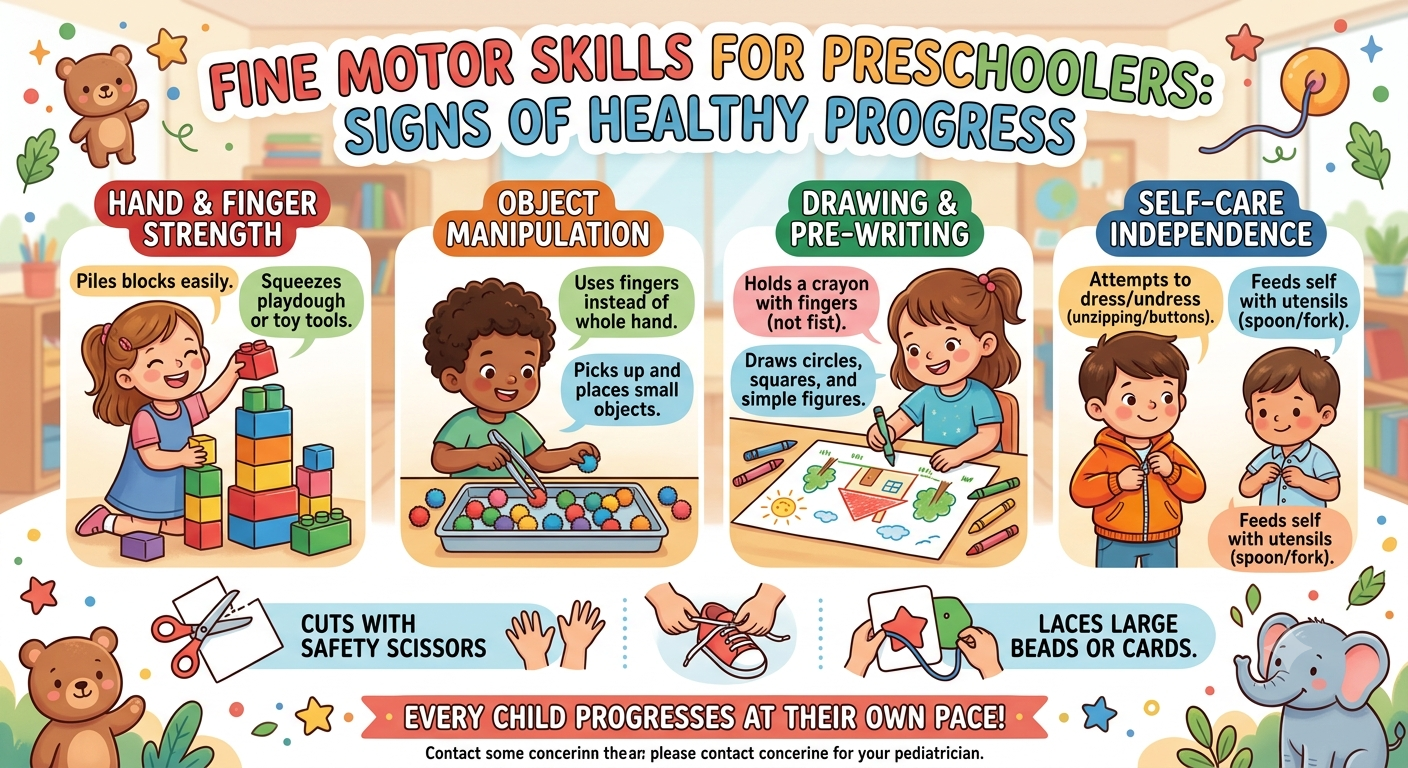
Pour a shallow layer of fine semolina (rava), clean beach sand, or salt onto a baking tray. Let your child use their index finger to draw shapes, letters, and numbers. When they want to start over, a gentle shake clears the canvas like magic! This builds fine motor control and tactile sensory memory completely free of digital stimulation.
2. Phonics Scavenger Safari 🦁
Call out a phonics sound — such as "/m/ like monkey" — and challenge your child to race around the room to find three objects that start with that sound (e.g., mug, mat, mirror). This connects auditory phonics recognition to their immediate physical world.
3. Guided Animal Tracing & AI Sketching 🐾
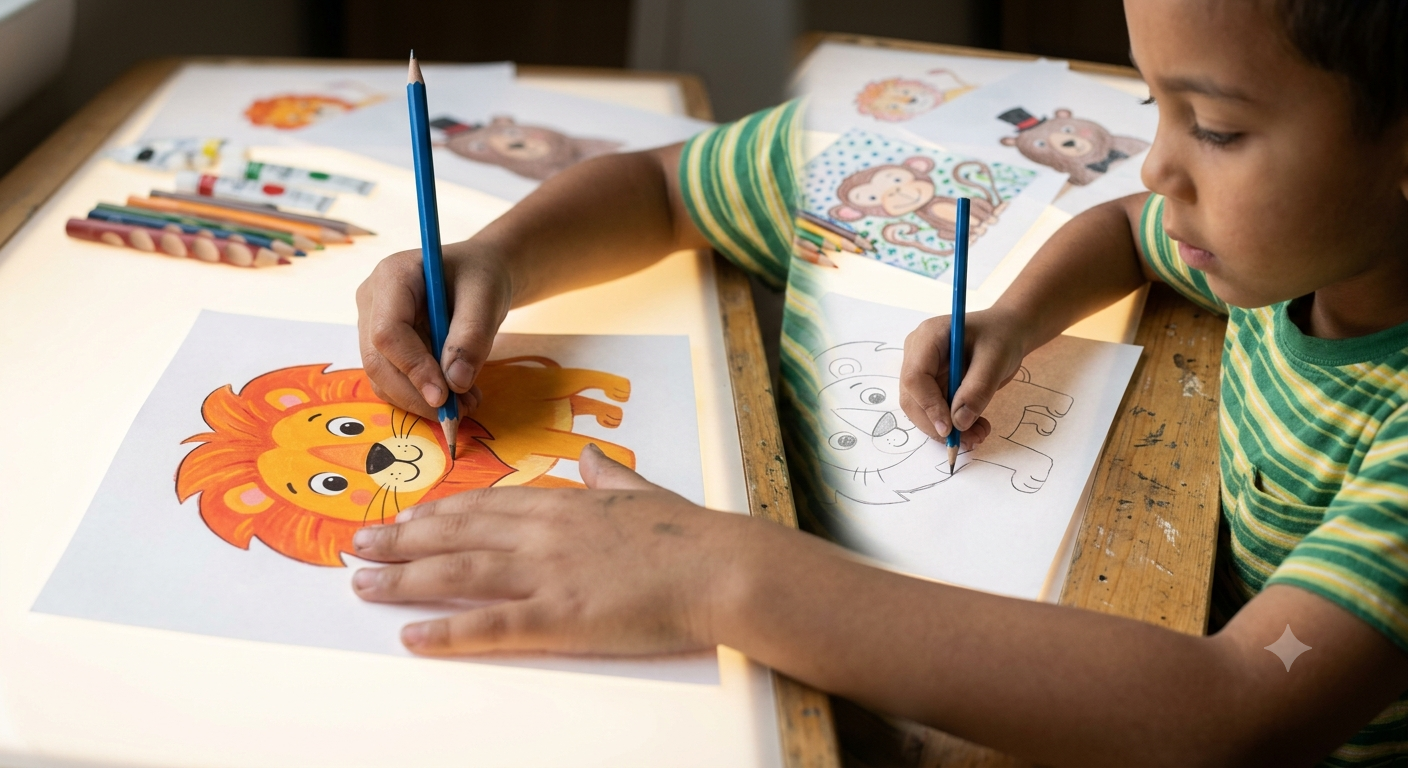
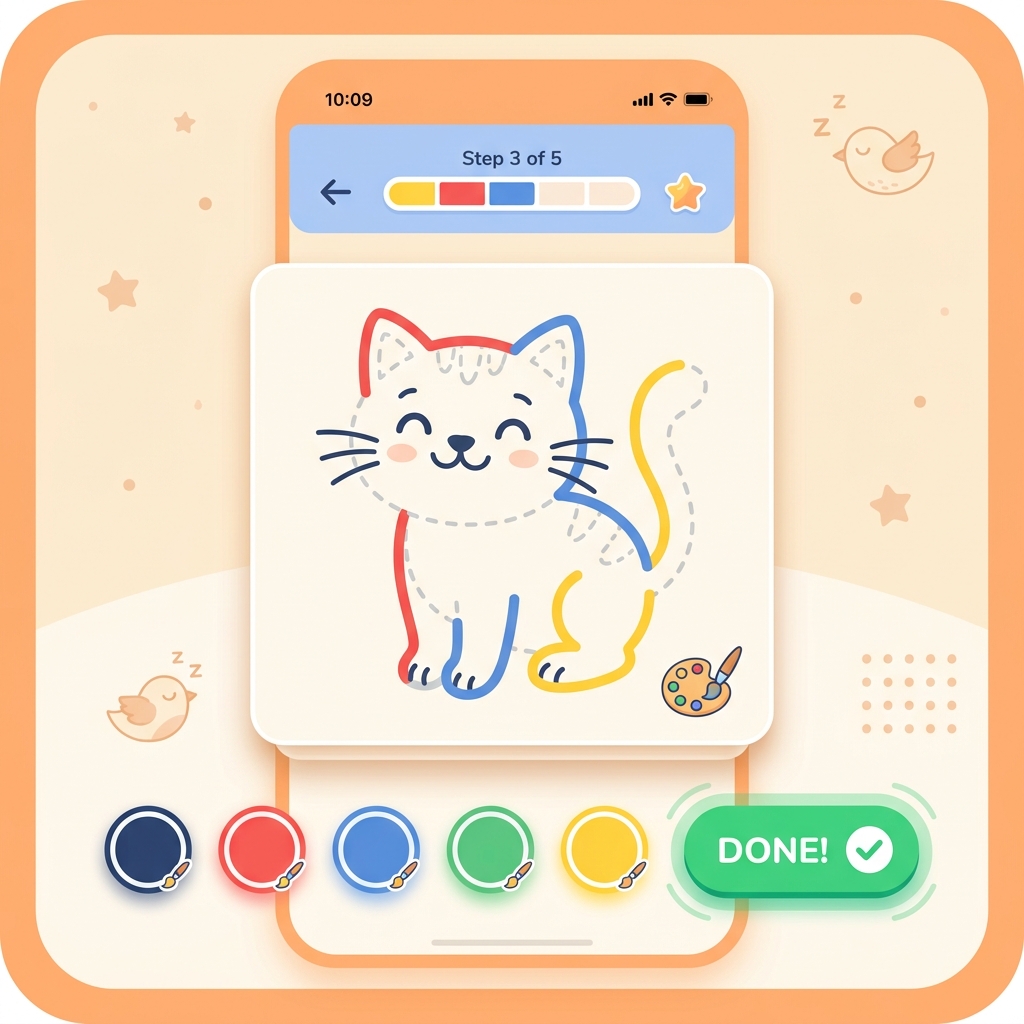
Combine creativity with motor control by practicing step-by-step animal drawing. Tracing simple curves to create dogs, cats, ducks, and elephants builds spatial awareness and pencil grip confidence. In the GrowLittleKids app, children can trace lines on-screen and watch our friendly AI celebrate when their drawing comes alive!
4. Kitchen Counter Math & Sorting 🍪
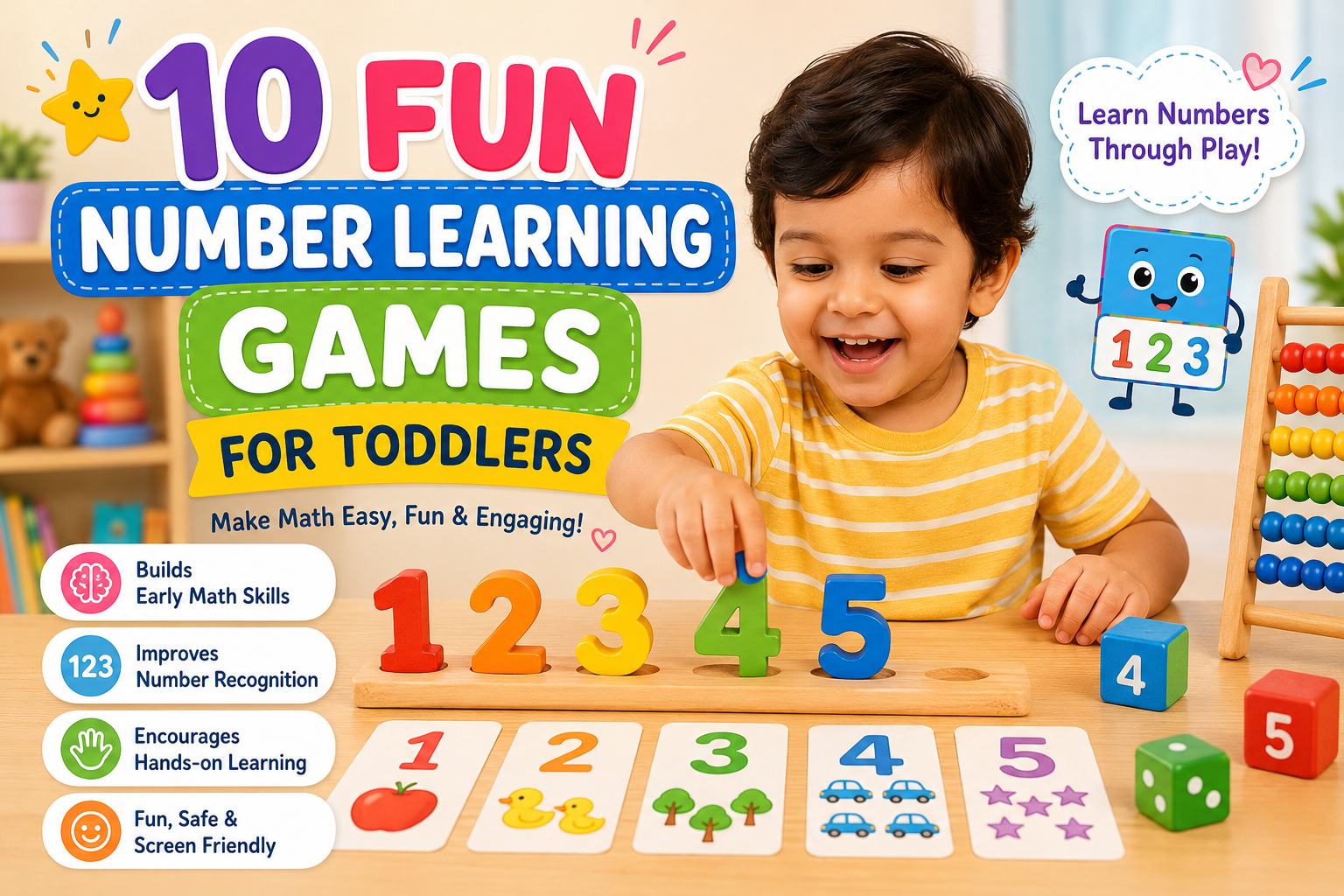
Turn snack preparation into an early math discovery lab. Have your preschooler sort dry pasta shells by shape, count cherry tomatoes onto plates, or divide apple slices equally between family members. This teaches one-to-one correspondence, set counting, and fractions effortlessly.
5. The Nature Guardian Walk 🌳
Take your child on a gentle neighborhood stroll with a magnifying glass. Collect fallen leaves, observe ants marching in line, and discuss how trees protect our air and how we can care for birds and animals. Nature is the safest, most enriching classroom on Earth.
How GrowLittleKids Champions 100% Safe Early Education 📱🌟
At GrowLittleKids, we founded our platform on a non-negotiable promise to parents: education should be safe, joyful, and accessible to every child without exception.
Unlike commercial apps that lock core lessons behind expensive monthly subscriptions or bombard children with third-party pop-ups, GrowLittleKids provides a secure, wholesome sanctuary:
- ✅ 100% Free Forever: Zero hidden paywalls, no VIP tier locks, no sneaky in-app purchase prompts.
- ✅ Strict COPPA Compliance: We never collect personal data, track user locations, or record children's voices.
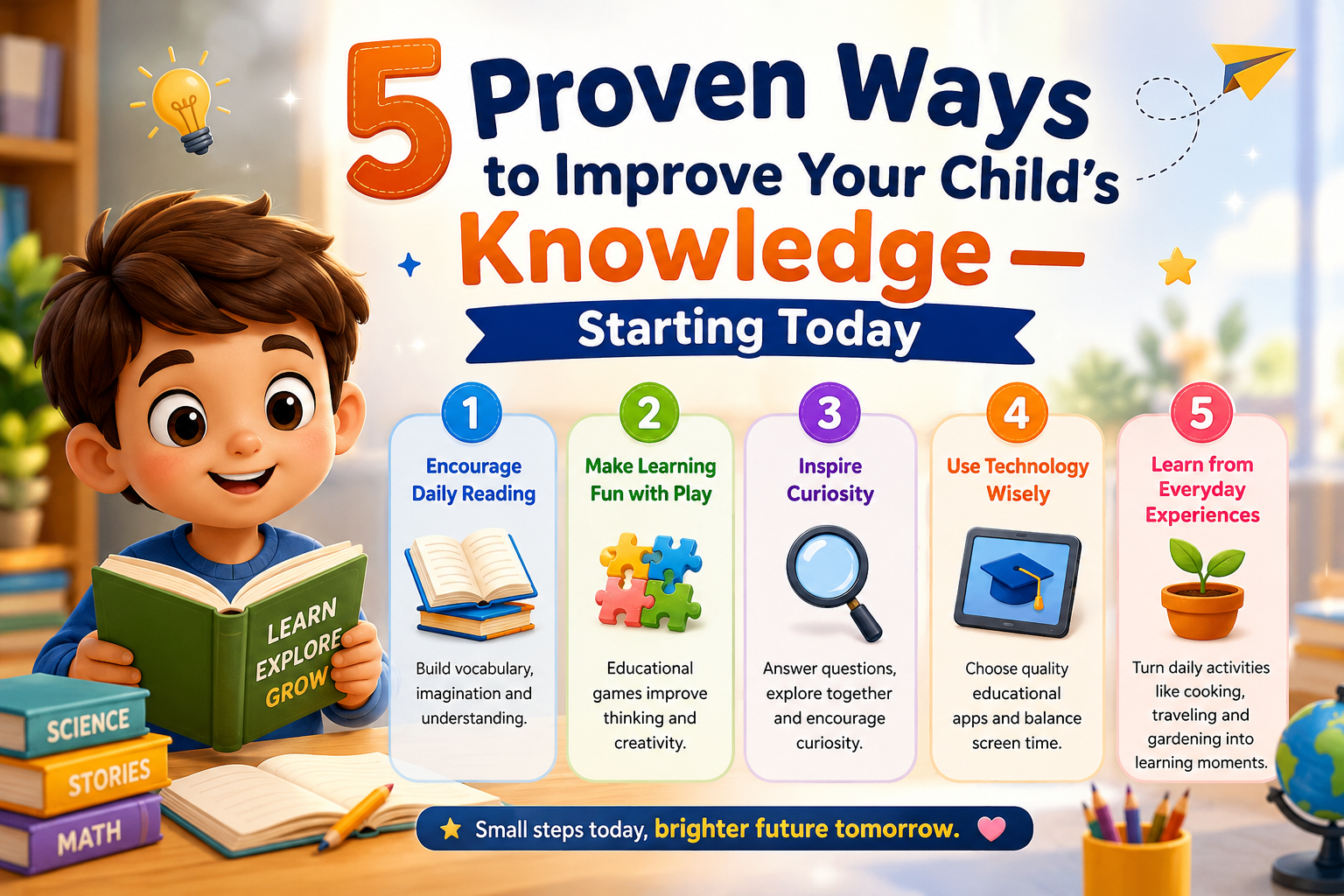
- ✅ 17 Comprehensive Learning Modules: From ABC & Phonics, Numbers & Early Math, Nursery Rhymes & Stories, to Step-by-Step Drawing, General Knowledge, and Habit Building.
- ✅ Offline Learning Capabilities: Download and practice anywhere — in cars, on flights, or during off-grid family vacations without active WiFi.
- ✅ Kid-Centric, Low-Stress UI: Large colorful buttons, cheerful voice narration, positive reinforcement celebrations, and zero stress timers.
Looking for fun physical coordination games? Check out our standalone arcade game Wing Dash Bird, learn about our educational philosophy on our About Us page, or explore our complete answers on our FAQ page. If you have questions or feedback, reach out to us directly via our Contact page.
Summary for Parents: Empowering Safe & Confident Young Learners 🌱
Safe learning is not about fearing technology; it is about steering it with intention, warmth, and discernment. When we provide our children with safe tools, healthy physical boundaries, and unconditional encouragement, we empower them to become curious thinkers, empathetic problem-solvers, and joyful lifelong learners.
Download the free GrowLittleKids app on Google Play today, and give your little one the safe, loving head start they deserve! 🌟